











This page explains how to use your Sokabet account in Tanzania. You will find practical steps for signing in, creating a profile, recovering a forgotten password, and checking common access problems. The same account can be used through a browser and, where available, the Android app.
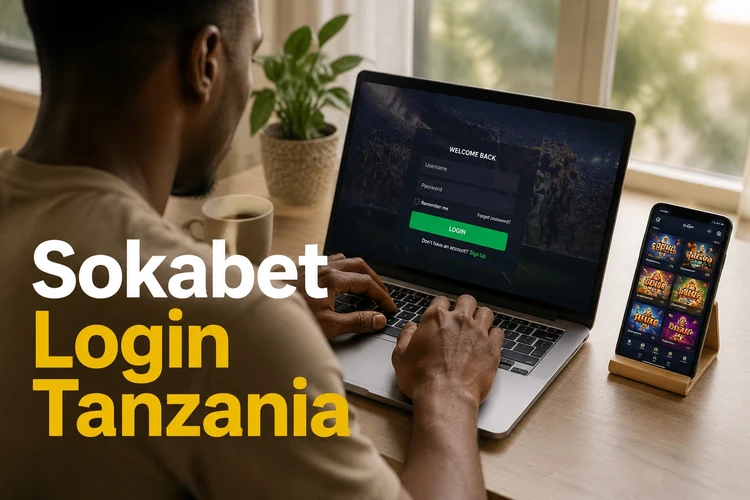
How to Log In to Your Sokabet Account
Open sokabet-tz.com in your browser and select the login option on the homepage. Enter the phone number linked to your account and your password, then submit the form. Check that the number has the correct Tanzania format and that Caps Lock is not changing your password entry.
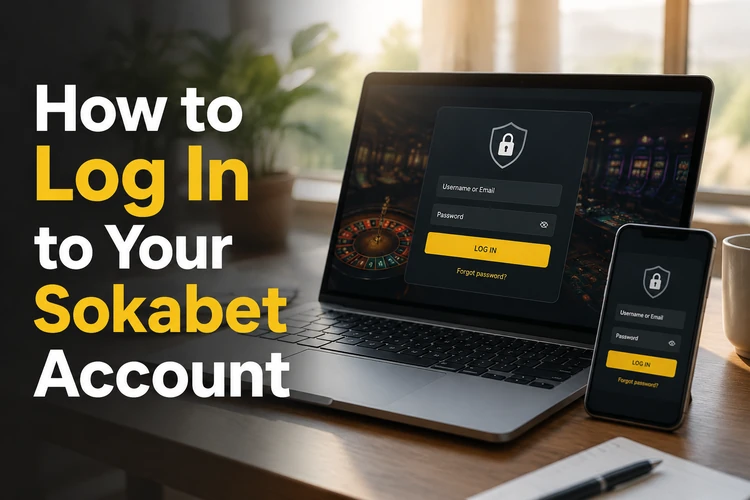
If this is your first sign-in after registration, complete any phone confirmation requested during account setup. A one-time code may be sent to the registered number. Never give that code to another person, even if they claim to represent customer support.
- Step 1: Open sokabet-tz.com on your device.
- Step 2: Select the login option.
- Step 3: Enter your registered phone number.
- Step 4: Enter your password and complete any verification prompt.
| Method | What you need | Useful check |
|---|---|---|
| Mobile or desktop browser | Phone number and password | Use a current browser and a stable connection |
| Android app | Installed app and account details | Update the app if the login screen behaves unexpectedly |
Registering a New Account
New users can register from the homepage by choosing the account creation option. Enter the requested phone number, create a password, review the terms, and submit the form. Follow the SMS confirmation step if one appears. Use details that match your own identity and keep access to the phone used during registration.
You must be at least 18+ to register and place bets. A service may request additional identity checks before certain account actions, including withdrawals. For that reason, avoid entering another person’s details or creating duplicate profiles. Save your login information in a secure password manager rather than in an exposed note.
Signing In Through the Mobile App
The Android app uses the same account credentials as the website. You can download the Sokabet app from the site, install it, and open the login screen. Enter the phone number and password already connected to your profile; a separate app account is not required.
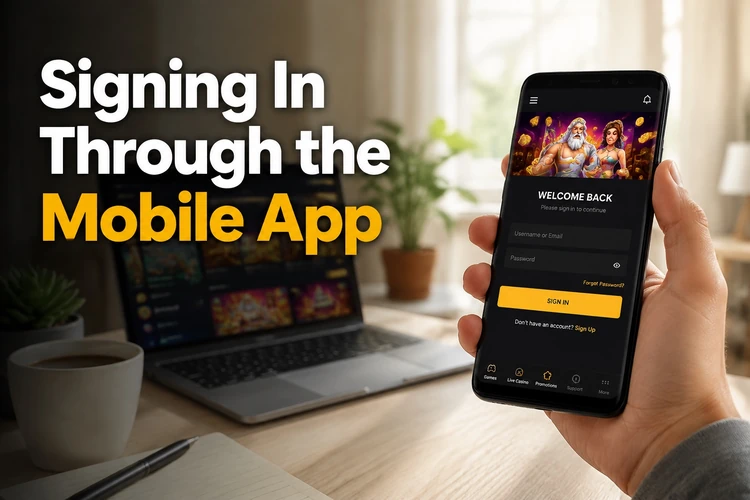
Keep the application updated and install it only from the official source. Android security settings can block an APK installation until permission is granted. If you do not recognise the file or the download page, stop and check the source before proceeding. A slow connection can also delay the login screen or SMS confirmation.
Recovering a Forgotten Password
Choose Forgot password? on the login screen and enter the phone number registered to your account. Follow the SMS reset instructions, enter the code, and create a new password. Make it different from previous passwords and avoid predictable details such as a birth year, repeated digits, or a phone number.
If the message does not arrive, check the number, signal strength, SMS storage, and any message filters on your phone. Wait briefly before requesting another code, since repeated requests can create confusion or a temporary limit. If you still cannot recover access, use the contact page and provide only the information needed to verify ownership. Do not send your password or a one-time code.
Common Login Problems and How to Fix Them
Most failed sign-ins have a simple cause. Work through the checks below before trying repeated passwords, which can lead to a temporary lock.
- Wrong password: use the SMS recovery option instead of guessing several times.
- Incorrect phone number: compare the number with the one used during registration and check the country prefix.
- Weak connection: switch between mobile data and Wi-Fi, then reload the page.
- Outdated app: update it from the official source and restart the device.
- Browser data problem: clear cookies and site data for the page, then open it again.
- Temporary account block: wait a short time after repeated failed attempts and contact support if access remains unavailable.
Do not assume that every error means the account is closed. Record the exact message, the time it appeared, and whether you were using the browser or app. This information helps support identify the problem. Avoid installing unofficial tools that promise to bypass a login block.
Keeping Your Account Secure
Use a unique password for your Sokabet profile and do not reuse it for email or social media. A password manager can create and store a longer combination without requiring you to write it in a public note. Lock your phone with a PIN, fingerprint, or another device security method.
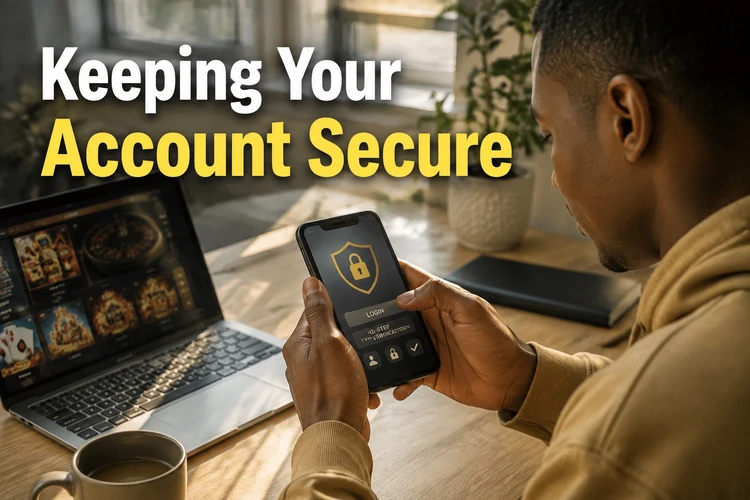
Avoid signing in on shared devices or public Wi-Fi. If you must use one, sign out fully and do not save the password in the browser. Never share your password, reset code, or SMS verification code. Be cautious with messages that ask for credentials or request an urgent payment. Report suspicious activity through official support. You can also read the site’s responsible gambling guidance before using the account.
Review your account activity when you sign in. If you notice an unfamiliar session, changed details, or messages you did not request, change the password and contact support promptly. Keep your phone number active because it may be needed for recovery and account verification.
FAQ
Open sokabet-tz.com in a browser and select the login option. Enter the phone number registered to your account and your password, then complete any verification prompt shown.
Yes. The browser and Android app use the same profile and login details. You do not need to create a separate account for the app.
Select Forgot password? on the login screen and enter your registered phone number. Follow the SMS reset instructions. If no message arrives, check the number and phone signal before contacting support.
Check the phone number, password, internet connection, browser data, and app version. Avoid repeated guesses if the password may be wrong. Use password recovery or contact support if the issue continues.
Choose the registration option on the homepage, enter the requested details, set a secure password, and confirm your phone number if an SMS code is sent. You must be 18+ to register.
Use a private, updated device and a secure connection. Keep your password and SMS codes private, avoid shared devices, and sign out when using a phone that is not yours.