











The Sokabet mobile application is intended for customers who want to manage sports bets from an Android phone. It brings betting markets, the bet slip, account tools, and transaction options into a layout designed for a smaller screen. iPhone users can use the mobile website through Safari, although the current draft information does not indicate a dedicated iOS app.
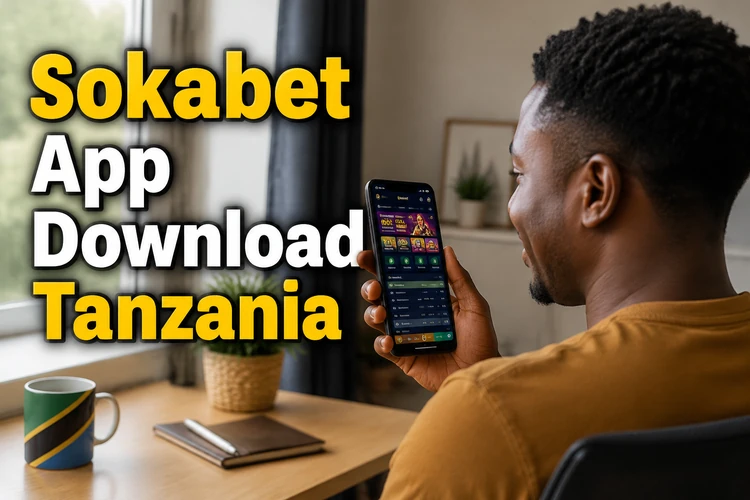
A mobile connection can be useful when you are travelling, have limited access to a computer, or want to check an open wager quickly. Before installing anything, confirm that your phone has enough storage, that your connection is stable, and that you are downloading the file from the operator's official source rather than from a file-sharing service.
What Is the Sokabet App
The app provides a mobile interface for sports betting and routine account tasks. Depending on the services available to your account, you may be able to browse pre-match events, view live markets, submit a bet, check settled wagers, and review account activity. The exact markets, payment methods, and notifications can change, so check the information shown inside the service before making a transaction.
A dedicated mobile interface can be more convenient than a desktop page on a phone. Buttons and selections are arranged for touch input, and the bet slip remains easier to reach while you move between an event and its available markets. A browser is still a sensible choice when you are using a shared device, have not confirmed the source of an installation file, or do not want another application on your phone.
Performance depends on the phone, the Android version, the number of applications running in the background, and the quality of the mobile network. A slower connection may delay odds or event information. Always check the final selection and price shown on the confirmation screen before submitting a wager.
How to Download the Sokabet App
The draft information indicates that the Android application is distributed as an APK rather than through Google Play. Start by opening the official Sokabet website in your phone's browser and look for the mobile application area or download control. Do not rely on a link forwarded through WhatsApp, Telegram, social media, or an unrelated APK directory.
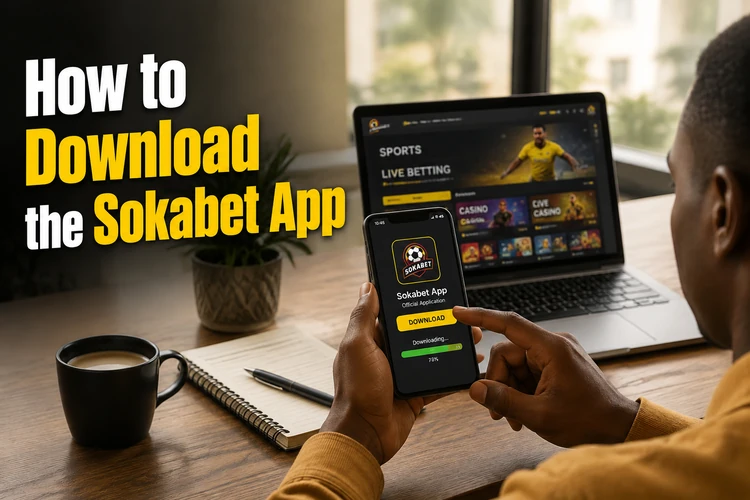
Tap the download control only after checking that the page is the genuine site and that the file name and download prompt look consistent with the page. Wait until the file has finished downloading before opening it. If the browser warns that the file type could be harmful, pause and verify the source instead of dismissing the warning automatically. A warning does not prove that the file is malicious, but it is a useful reminder to check where it came from.
Keep the original download location available until the installation is complete. If the file is interrupted, appears unusually small, or produces an error when opened, delete it and start again from the official source. Avoid installing several copies from different locations because an outdated or modified package may create account and security risks.
Android Installation
Android may block an APK until permission is granted for the browser or file manager that opened it. The wording differs between manufacturers and Android versions, but the normal installation sequence is as follows:
- Step 1: Open Settings and look for Security, Privacy, or Apps.
- Step 2: Select the option for installing unknown applications and allow it for the browser you used.
- Step 3: Open the downloaded APK from the browser notification or the Downloads folder.
- Step 4: Review the installation request and tap Install if the source and file are correct.
- Step 5: Open the application and use your existing details to log in to your account.
On Android 8 and later, permission is usually given to a particular source rather than enabled for the whole phone. You can return to the same settings page after installation and remove the browser's permission. This reduces the chance of accidentally installing another file later.
If installation fails, check free storage first. The phone needs room for both the downloaded package and temporary installation files. Also confirm that the APK matches your device architecture and Android version if the download page provides that information. Restarting the phone, clearing a stalled download, or removing an older copy can resolve simple errors.
After opening the app, check that the login page, account balance, and available markets load correctly. Do not enter credentials if the screen behaves unexpectedly or redirects to an unfamiliar address. Close the application and verify the source before trying again.
Version for iOS
The available information does not indicate a dedicated Sokabet application in Apple's App Store for iPhone. iOS users should not install an Android APK, because APK files are not compatible with iPhone and a file claiming otherwise should be treated with suspicion.
The practical option is to open the Sokabet website in Safari. After the page loads, use the Share control and choose Add to Home Screen. The shortcut opens the mobile site more directly, although it is still a web service rather than a native iOS application. If a feature is missing or a page does not display correctly, use Safari itself and refresh the page.
Mobile websites can be affected by browser settings, weak signal, and stored data. Updating iOS, keeping Safari current, and clearing website data when a page becomes stuck may help. Before placing a bet, make sure the connection is active and that the confirmation page has finished loading.
Understanding the APK File
APK means Android Package Kit. It is the package format used to install an Android application outside the Play Store. The format itself is not a guarantee of safety or danger; the important questions are who supplied the file, whether it has been altered, and whether it is suitable for your device.
Use the official download page and avoid unofficial repositories that may offer modified or old packages. A modified application could expose login details, display misleading payment screens, or stop working after a service update. Do not share the installed package with other people, since they cannot confirm its origin simply by receiving it from you.
When a new release becomes available, follow the instructions shown by the service and download the replacement package from the same official source. Check the version information where it is displayed, and do not assume that the newest-looking file on a third-party page is genuine. Keep your account credentials private during an update and open the application only after Android confirms that installation has finished.
Key Features of the Application
The mobile layout is intended to place common account and betting tools within easy reach. Availability can depend on the account, event, and current service configuration. Typical areas to check include:
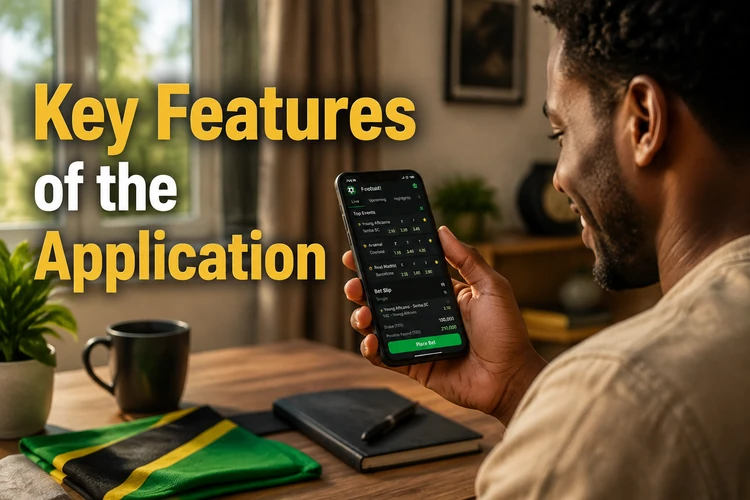
- Pre-match betting: Review upcoming fixtures, compare the available markets, and add a selection to the bet slip before confirming.
- Live betting: Follow events that are already in progress where live markets are offered. Prices can change quickly, and a selection may be suspended while the event is updated.
- Account management: Check your balance, personal details, open bets, and transaction records from the account area.
- Deposits and withdrawals: Use only the payment methods displayed for your account and read any instructions or minimums shown on the transaction screen.
- Bet history: Review settled and unsettled wagers so that you can compare the confirmation details with your own records.
- Notifications: If notifications are available, review the permission and alert settings so you receive only the messages you want.
Before confirming a wager, check the event, market, selection, odds, and stake. For live betting, allow for a short delay between the action and the information shown on screen. A temporary connection problem can also leave a bet pending, so check the bet history before submitting the same selection again.
For payments, use an account and phone number that you control. Save confirmation messages where practical, and contact support through the official service if a deposit or withdrawal does not appear as expected. Do not send a password, PIN, or one-time code to another person.
Staying Safe
Download security begins with the source. Use the official Sokabet website and avoid files offered by strangers or pages that imitate the service. Keep Android, Safari, and your phone's security tools updated. If the installation page asks for permissions unrelated to the app's apparent purpose, stop and review the request before continuing.
Choose a password that is long, unique, and not based on your name, phone number, or date of birth. Never reuse it on another betting or financial service. If the account offers a PIN, two-step verification, or another additional login control, consider enabling it. These options are useful only when the recovery details are also kept private.
Review the permissions granted to the application and remove access that is not needed. Lock your phone with a PIN or biometric method, especially if other people can handle it. Avoid logging in on public devices, and sign out if you have used a phone that does not belong to you.
Updates may contain bug fixes or security improvements. Install them from the official source and avoid delaying an update when the service requires a newer version. If you suspect that someone has accessed your account, change the password from a trusted device and contact the operator through an official support channel.
Gambling is for adults only. You must be 18+ to create an account and use the application. Set a spending limit before you start, keep track of deposits and stakes, and take a break if betting stops feeling like an occasional activity.
Conclusion
Android users can install the application by obtaining the APK from the official website and following the permission steps shown by their device. iPhone users should use Safari unless an official iOS option becomes available. Whichever method you choose, verify the source, keep the software updated, protect your login details, and review every wager and transaction before confirming it.
FAQ
The APK itself is available without a download charge from the official Sokabet website. Mobile data costs may still apply, and betting transactions use the terms and payment conditions shown in your account.
The available information indicates that the Android application is distributed directly as an APK. App-store availability for real-money betting services depends on platform rules and regional requirements, so use the official website rather than an unofficial download page.
The current information does not indicate a native iOS app. An iPhone user can open the mobile website in Safari and add a shortcut to the home screen. Do not try to install an Android APK on an iPhone.
APK is the normal Android package format, but safety depends on the source and whether the file has been modified. Download only from the official Sokabet website, review the requested permissions, and avoid files shared through messaging apps or third-party repositories.
Follow any update notice shown by the service, then download the new package from the official source and install it when Android prompts you. Check the version information where available and do not use a file from an unrelated APK site.
Confirm that your browser has permission to install an unknown application, check available storage, and make sure the download completed correctly. If the error continues, remove the incomplete file and download it again from the official website rather than trying several unverified packages.